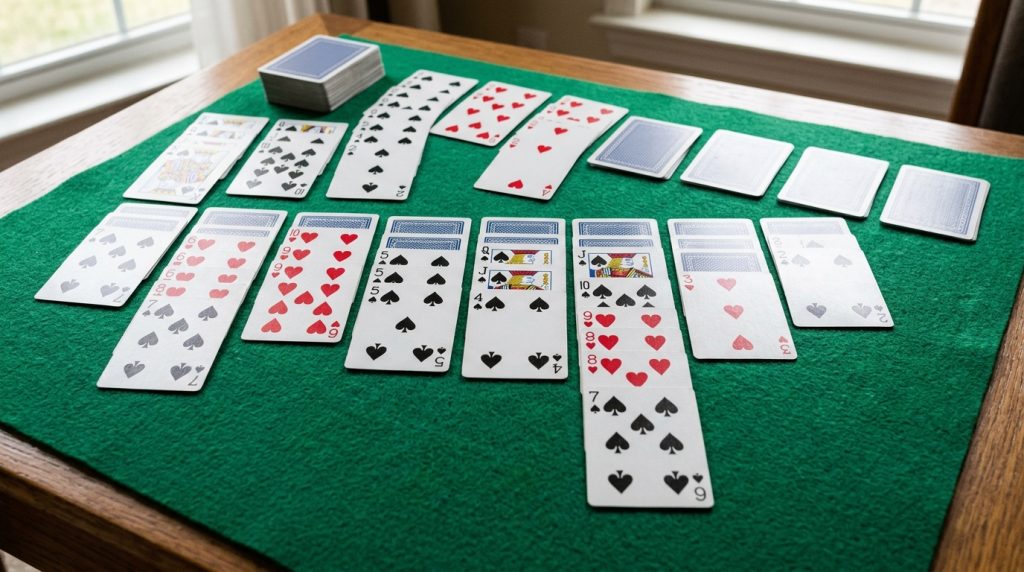

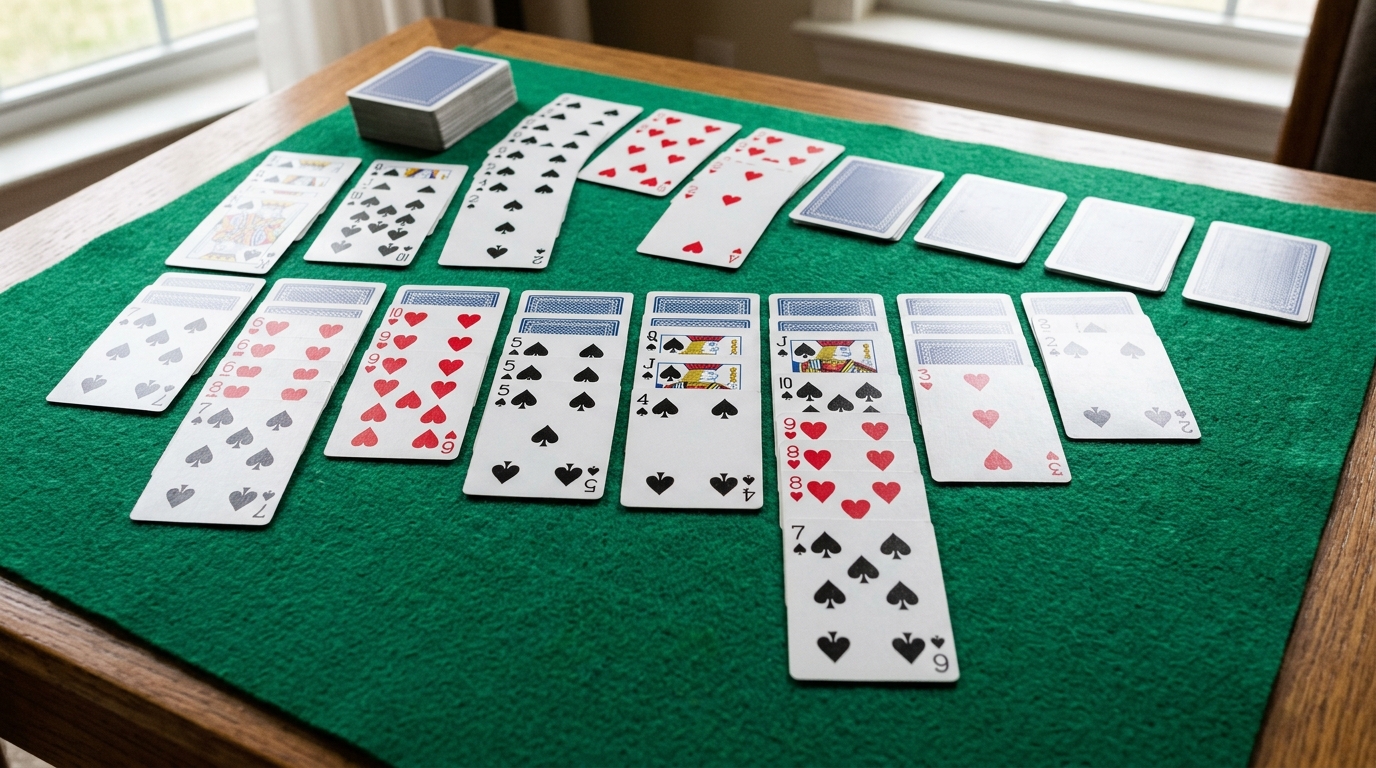
Spider Solitaire became familiar to many players not in a card room, but in a small window on a computer screen. The setting changed, while the patience rhythm stayed recognizable. Spider Solitaire Windows history gives that moment a name, but the useful part is the habit behind it. The aim is not to make every move look clever. It is to make the next move easier to explain.
For the broader Windows card-game story, see the Windows Experience history of Solitaire and the Bicycle Spider Solitaire rules.
Why Spider Solitaire Windows history matters on an ordinary puzzle
Spider Solitaire Windows history is part of the wider story of classic card games becoming interface lessons. The digital version made dealing, moving, and undoing visible to a new audience, while the one-suit, two-suit, and four-suit modes gave the same tableau different levels of difficulty. The game works because every click changes access. A player does not need a special setup to use this idea. It works during a short browser session, on a printed page, or in the middle of a game when attention is starting to drift.
Spider Solitaire is a game of access under pressure. A card that is visible is not automatically useful, and a tidy stack is not automatically mobile. The strongest move often changes what you will be able to see two turns later. Empty columns, same-suit runs, hidden cards, and stock deals all compete for the same limited space. Treat each move as an exchange: what information or mobility are you buying, and what structure are you giving up? That question keeps the board readable when the columns start to crowd.
The wider background is worth keeping nearby. Bicycle Spider Solitaire rules offers useful context for this puzzle family, while Spider Palace rules guide gives a second view of its rules or history. The sources differ in purpose, but both support the same practical lesson: a clear structure gives the player something reliable to inspect.
How to use Spider Solitaire Windows history without forcing it
Play the history through its structure. Start in one suit to notice descending runs and completed sequences. Move to two suits when you want suit conflicts, then use four suits to practise protecting empty columns and hidden-card access. The interface may be simple, but the decisions become layered. Start with a legal move and let the evidence narrow the field. If the position does not improve, stop. A good technique is a filter, not a command to keep pushing the same idea after the board has moved on.
A short routine for the next game
After each important move, name what became visible and what became less flexible. That small note turns a familiar computer pastime into a readable strategy exercise.
- Start with one suit to learn run movement.
- Use two suits to practise repairs.
- Treat four suits as an access problem.
- Review what each click changed on the tableau.
The mistake that makes this idea feel harder
The trap is treating the digital board as a faster version of a physical deck. Another mistake is using undo to erase every uncomfortable decision. The screen makes moves easy to reverse, but the useful skill is learning why a move changed the tableau.
What to remember when the board changes
Spider Solitaire Windows history is really a history of access. The game became popular because the screen made every hidden card and empty lane feel close enough to test. That is also why Spider Solitaire Windows history should stay practical. Use it when it describes the board in front of you, then return to ordinary reading when the evidence changes. A puzzle is allowed to ask a different question on the next move.
If Spider Solitaire Windows history does not produce a move today, that is useful information too. Leave the position clean, keep the strongest clue visible, and come back after one ordinary move. Techniques become reliable through that small return: notice the signal, test it, record what changed, and stop before the idea turns into a guess. Over time, the pause becomes part of your solving rhythm rather than a sign that the puzzle has defeated you.
Keep the session concrete. Name the clue, make one reversible change, and look again. That is enough for a useful practice round, even when the puzzle is unfinished. A short note about what changed makes the next session easier to start.
For a live session, play more puzzles on solitaire-spider-online.com. When you want a related example, browse related posts on this site. You can also try another daily puzzle at Easy Daily Puzzle or find more puzzle guides on Easy Daily Puzzle. Keep the next step simple: play one puzzle, try the routine once, and notice which decision became clearer.
A Spider deal can be paused after one structural improvement. Remember the column that changed and the card that became visible. Returning with that information is more useful than making another move just to keep the board busy.