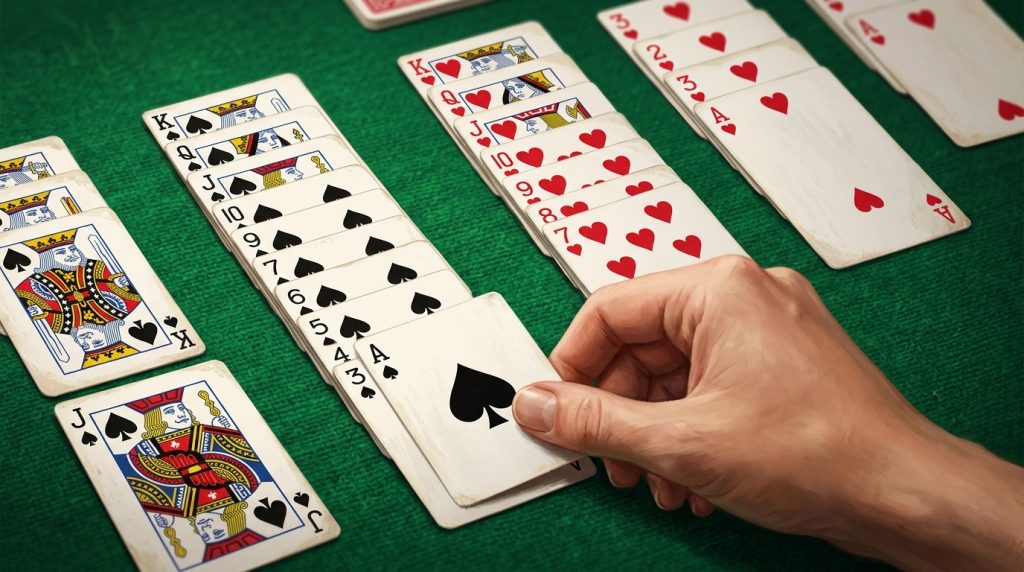

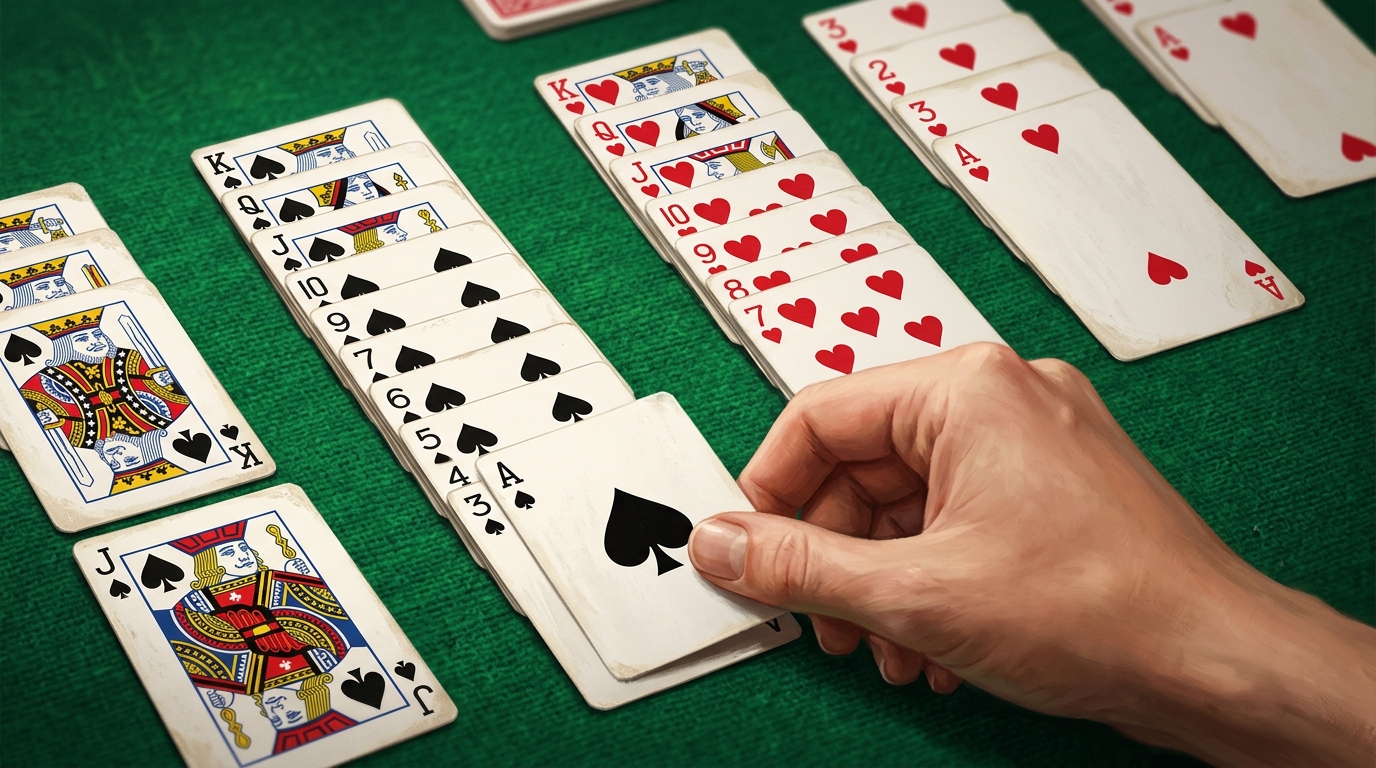
Solitaire Spider Online sits at the meeting point of an old puzzle tradition and a very modern habit: opening a browser for a few quiet minutes. Spider looks like a card game, but its real character comes from managing hidden information and preserving future moves. The history is worth knowing because it explains why this format survived changes in paper, software, and screen size. A game that can move between those settings has more going for it than a catchy name. It has a clear promise, a small learning curve, and enough room for a player to improve.
Solitaire Spider Online in practice
An old patience idea with a digital afterlife
Spider Solitaire belongs to the patience family, but its appeal comes from a particular kind of pressure. Several columns remain visible while important cards stay hidden underneath. The player can see the shape of the problem without seeing every fact needed to solve it. That mix makes Spider feel more strategic than a simple card-matching exercise.
When Spider arrived in computer software, the screen became a natural table. The columns could be stacked cleanly, legal moves could be highlighted, and a difficult board could be replayed without rebuilding the deal. Microsoft later made Spider one of the recognizable modes in its Solitaire collection, helping a traditional patience idea reach people who might never have owned a card-game book.
Why the screen suits Spider
The digital layout solves a physical problem. In a real deck, long columns quickly become awkward to read. On a screen, each card can be offset, clicked, and moved without losing the overall shape. That makes it possible to learn the game by watching consequences. A move opens a card, creates an empty column, or blocks a future sequence, and the board shows the change immediately.
The result is a game that feels old and modern at the same time. The goal is still to build complete runs, but the interface makes the hidden-information puzzle easy to revisit.
Play the history forward
Try a Spider game on Easy Daily Puzzle or browse more Spider Solitaire posts on this site. Microsoft’s Solitaire history explains the desktop connection, while the Spider Solitaire overview) gives the core rules and variations.
What the older format still teaches
Before making a move, count the useful spaces on the board. Empty columns, reachable face-down cards, and same-suit runs are not equal, but they are all forms of leverage. A move that preserves two of them may be stronger than a move that creates one attractive stack. This is why Spider often rewards restraint even when several legal moves are available.
Mixed-suit stacks deserve special attention. They can move, but they usually cannot be treated as one clean unit until the suits align. If you move one too early, you may bury a card that would have repaired another column. Try to expose information before you rearrange the visible surface.
Treat the stock as a commitment. Once a deal adds cards to every column, the board may lose the clean spaces you were protecting. Use the visible tableau first, then deal when the remaining moves are genuinely limited. After the deal, pause and identify the new longest run, the new blocked column, and the card that became reachable.
For the next session, play a Spider board on Easy Daily Puzzle and browse more Spider Solitaire strategy on this site. A good review asks which move reduced future choices. That question improves planning more reliably than simply replaying the same board until it finally works.
The small detail worth remembering
The strongest Spider move is often the one that improves the next three moves rather than the one that looks best immediately. Empty columns, hidden cards, and same-suit runs are resources. Spend them when the board gives you a clear return.
A loss can still be a good session if it reveals the cost of one decision. Review the first moment when the tableau became less flexible, then enter the next deal with that specific warning in mind. Planning grows from concrete mistakes.
When several moves look legal, choose the one that reveals the most information while preserving the most space. That single filter removes many attractive but unhelpful clicks.
For a little more context, read Microsoft’s history of Solitaire on Windows and Spider Solitaire background. These references are useful for checking the basic history or rules without turning a daily game post into a long reference list.